UFC IPTV: How to Watch UFC, WWE and Boxing PPV Live on B1G IPTV
Fight night is expensive. One UFC pay-per-view, a WWE premium event, and a big boxing card can cost more in a month than a full year of an IPTV plan. No wonder so many fans search for UFC IPTV before the next main event.
This guide explains how combat sports streaming works on IPTV, what to check before a big event, which devices to use, and how to set up B1G IPTV so you are ready before the walkouts start.
Quick note: availability of specific events and pay-per-view cards depends on your plan, region, and broadcast rights. Use streaming services in line with local laws, and confirm event coverage with support before fight night.
What Is UFC IPTV?
UFC IPTV simply means watching UFC through an IPTV service. Instead of buying every event through separate apps and cable packages, you open one app and browse live sports channels in a single guide. The same applies to WWE and boxing: one place to find the channels that carry the action.
What Fight Fans Can Watch With B1G IPTV
B1G IPTV includes a large live channel library with 40,000+ live channels, including sports channels from around the world. Here is what combat sports fans usually look for:
- UFC Fight Nights and numbered events, including prelims and main cards where available.
- WWE weekly shows and premium live events such as Raw, SmackDown, and the major stadium shows.
- Boxing cards, from regular broadcast fights to big title nights.
- Sports news and analysis channels for weigh-ins, press conferences, and post-fight breakdowns.
Pay-per-view coverage can change from event to event. Message our team on WhatsApp a few days before a big card, and we will tell you what to expect. You can also test your channels first with the free trial.
UFC, WWE and Boxing on IPTV: Quick Comparison
| Sport | Typical schedule | What to prepare |
|---|---|---|
| UFC | Fight Nights most weekends, numbered events monthly | Check the card start time and prelims channel early |
| WWE | Weekly shows plus monthly premium live events | Find the right channel and test it before the show |
| Boxing | Big cards on weekends, often late evening | Confirm coverage and plan for late start times |
Best Devices for UFC IPTV
You do not need special hardware. These are the setups fans use most:
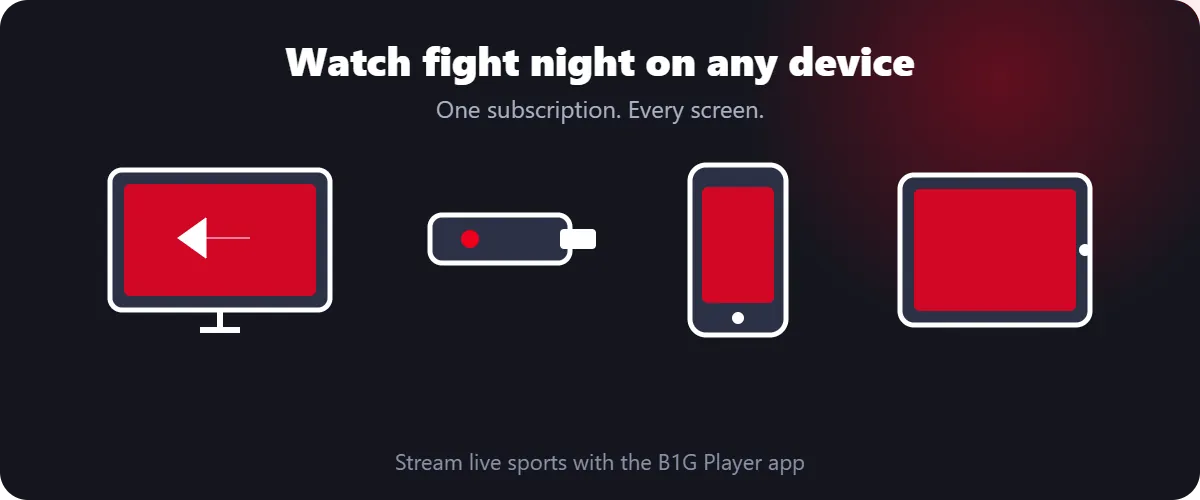
- Amazon Firestick or Fire TV: cheap, fast, and simple. Follow our installation guide to set it up.
- Android TV or Nvidia Shield: best for 4K fights on a large screen.
- Phone or tablet: catch the prelims while you are out.
- Smart TV: use the B1G Player if your TV supports it.
How to Set Up B1G IPTV for Fight Night
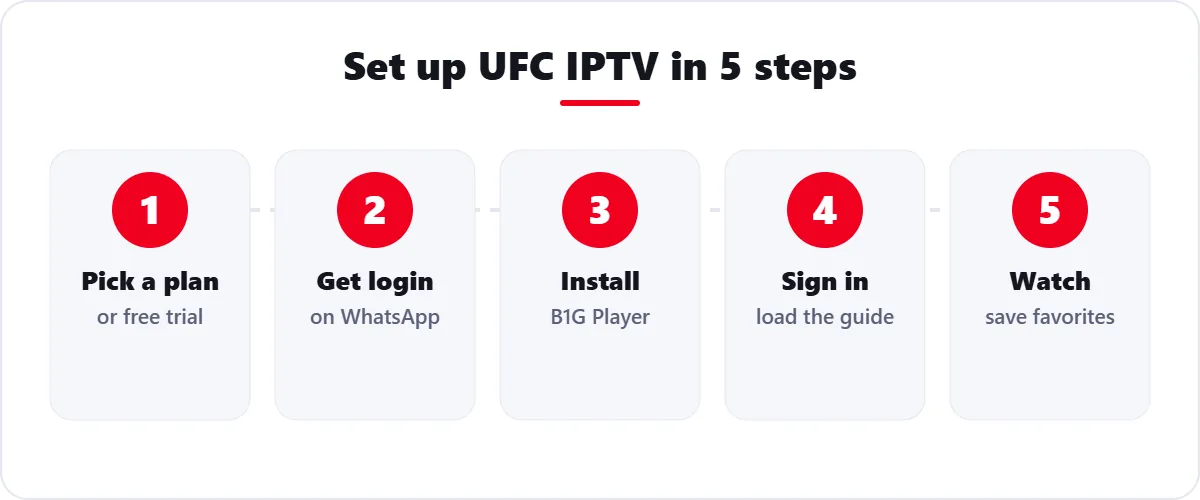
- Start with a free trial or pick a plan on the subscription page.
- Receive your login details through WhatsApp or Telegram.
- Install the B1G Player on your device.
- Sign in and load the channel guide. Add your favorite sports channels to Favorites.
- Test your stream 30 minutes before the event so you can fix any issue before the main card.
Why IPTV Can Save You Money on Combat Sports
Single PPV purchases add up fast. With IPTV, you pay one monthly or yearly price and keep access to a wide library of sports, movies, and entertainment all year. B1G IPTV plans start from $15 per month, and longer plans reduce the monthly cost. Compare current options on our IPTV Subscription.
Tips for a Smooth Stream on Fight Night
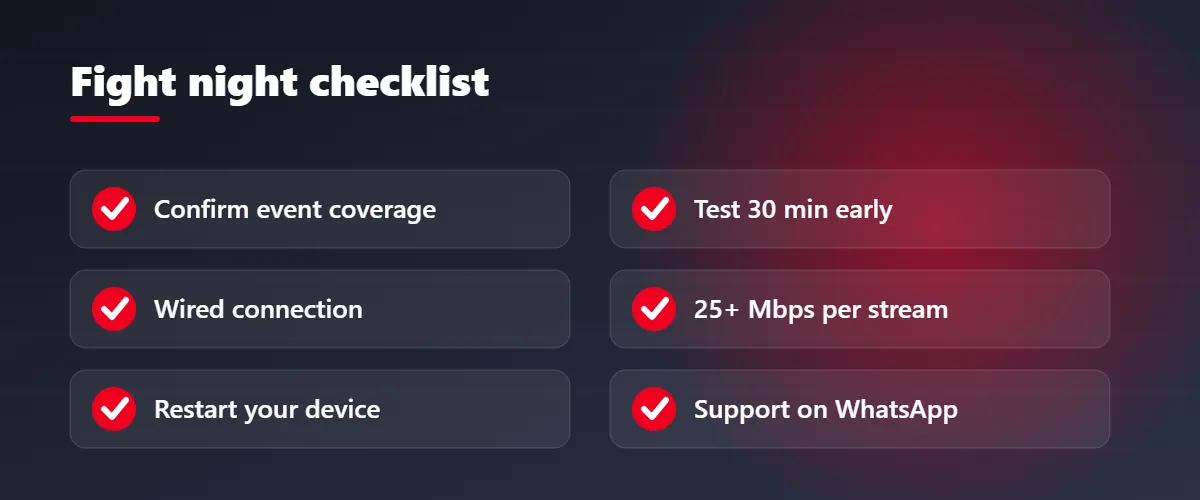
- Use Ethernet or sit close to the router. Fast action needs a steady connection.
- Allow at least 25 Mbps for HD, more for 4K.
- Close other heavy downloads and streaming apps.
- Restart your device before the event and update the app.
- Keep support on WhatsApp ready in case you need quick help.
TRY B1G IPTV FREE
Do not miss the main event. Test your channels with a free trial first.
Start Free TrialChat on WhatsAppFinal Thoughts
UFC, WWE, and boxing fans want fast access, a clean guide, and no surprises on fight night. IPTV gives you that in one app on the devices you already own. Start with a free trial, confirm your event coverage with support, and enjoy the fights. For more sports guides, see our blog, including our NFL IPTV guide.
Frequently Asked Questions
Can I watch UFC on IPTV?
Yes. UFC fights can be watched through an IPTV service that carries the relevant sports channels. Coverage depends on your plan, region, and the specific event, so confirm with B1G IPTV support before a big card.
Does B1G IPTV include WWE?
B1G IPTV offers a wide live channel library. WWE weekly shows and premium live events are among the content fans look for, but coverage can vary, so test your channels with the free trial.
Can I watch boxing PPV on IPTV?
Boxing coverage depends on the event and the channels available on your plan. Message B1G IPTV support on WhatsApp before a major card so we can tell you what to expect.
What is the best device for UFC IPTV?
An Amazon Firestick is the most popular choice. Android TV boxes and Nvidia Shield are great for 4K, and phones or tablets work well for watching on the go.
What internet speed do I need for UFC IPTV?
Use at least 25 Mbps for HD per stream. A wired Ethernet connection gives the most stable result during live fights.
Is IPTV cheaper than buying every PPV?
Often yes. IPTV plans start from $15 per month with no long contract, while individual PPV purchases can cost much more per event.
Can I test B1G IPTV before fight night?
Yes. Request a free trial, check your sports channels and device setup, and then choose a plan if you are happy with the quality.